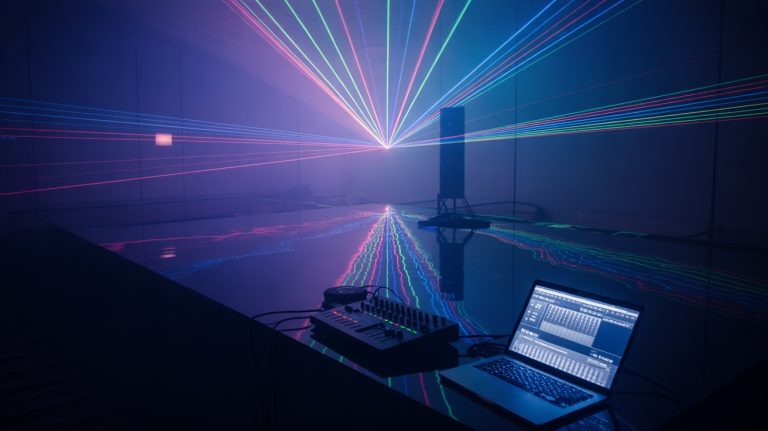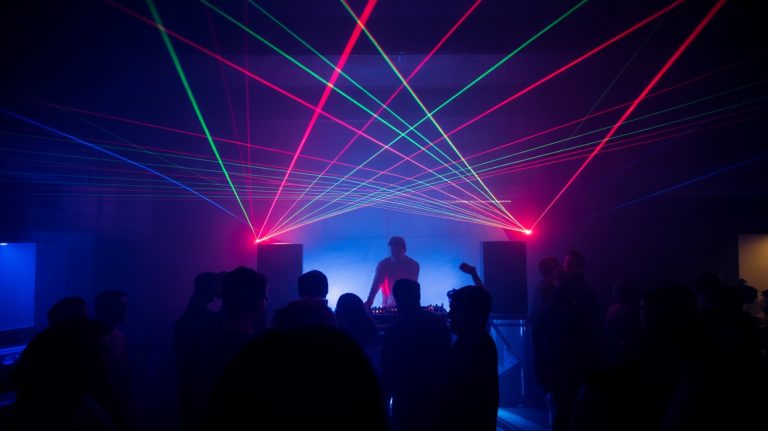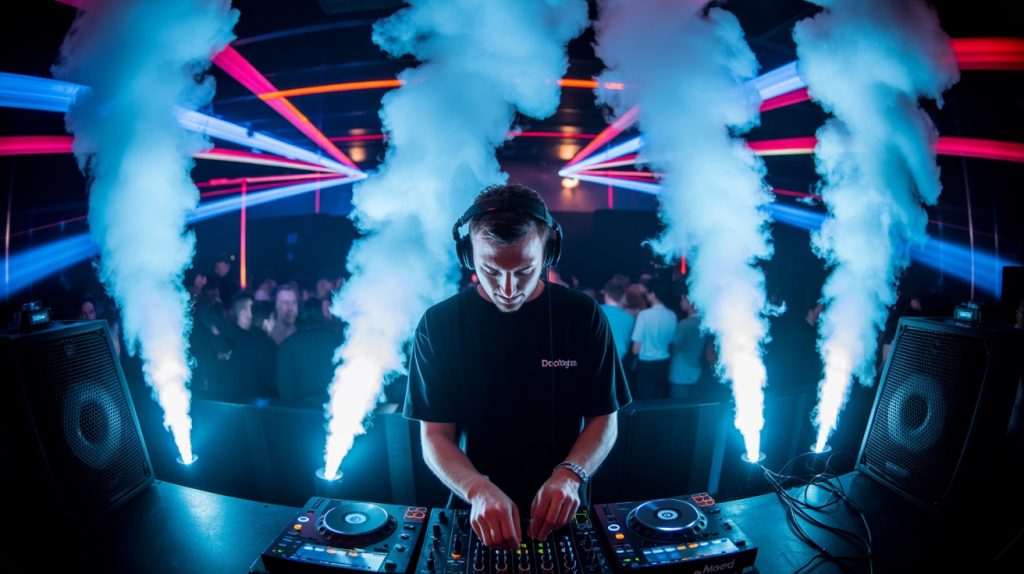
You probably don’t realize that most fog machines have a 3-5 second delay between trigger and visible output, making real-time beat matching nearly impossible without compensation techniques. Your standard venue fog machine won’t cut it for tight synchronization—you’ll need a BPM-responsive unit with adjustable pre-heat cycles and variable output density. Without understanding phase relationships between your audio signal and fog deployment timing, you’ll consistently miss those critical drop moments that make or break the dancefloor experience.
Understanding Beat Structure and Musical Phrasing
Before you can effectively sync your fog machines with DJ tracks, you’ll need to decode the fundamental beat structure that drives every dance track.
Most electronic music operates on 4/4 time signatures with 32-bar phrases, creating predictable patterns you can exploit for precise fog timing.
Count the kick drum hits—they’re your primary sync anchor points. Typical house tracks run 120-128 BPM, while techno pushes 130-140 BPM.
Identify breakdown sections, build-ups, and drops where fog deployment creates maximum impact.
Your DMX controller should respond to these musical cues through beat-detection algorithms or manual triggering.
Map your fog bursts to occur on downbeats, emphasizing every fourth or eighth measure.
Understanding phrase structure lets you anticipate shifts, ensuring your fog machine fires precisely when bass drops hit hardest.
Essential Equipment for Beat-Synced Fog Effects

Now that you’ve mapped the musical framework, you’ll need specific hardware to transform beat detection into synchronized fog bursts. Your setup requires precise timing components that respond instantaneously to musical triggers.
Core equipment for beat-synchronized fog deployment:
- DMX Controller with Audio Input – Processes incoming audio signals and converts beat detection into DMX protocol commands for fog machine activation.
- BPM-Responsive Fog Machine – DMX-compatible units with adjustable burst duration, intensity control, and sub-second response times for tight synchronization.
- Audio Interface with Low Latency – Dedicated hardware ensuring minimal delay between beat detection and fog output, typically sub-10ms processing.
- Beat Detection Software/Hardware – Real-time BPM analyzers that identify kick patterns, snare hits, and musical phrase shifts for trigger mapping.
Fog won’t set off heat-activated sprinkler systems, but it can trigger smoke detectors and fire alarms, so check with the venue before your set.
Configure your signal chain to minimize latency while maintaining consistent beat tracking accuracy.
Manual Timing Techniques for Beat Matching

While automated systems handle most synchronization tasks, developing manual timing skills guarantees you’ll maintain precise fog-beat alignment during equipment failures or complex musical shifts.
Count beats manually by tapping your foot to establish the track’s BPM foundation. You’ll trigger fog bursts on downbeats—the first beat of each measure—creating consistent visual anchors.
Watch the DJ’s crossfader movements and monitor incoming tracks through headphones to anticipate changes.
Practice the “one-two-three-four” counting method while observing waveform displays on mixing software. Pre-trigger fog machines slightly ahead of the beat to cover the delay between trigger and visible fog, and time your own machine at soundcheck.
During breakdowns, reduce fog output frequency but maintain beat alignment. Master manual cueing by rehearsing with various genres—house music’s consistent 4/4 patterns differ greatly from trap’s syncopated rhythms requiring adjusted timing approaches.
Using DMX Controllers for Precise Fog Synchronization

DMX controllers transform fog synchronization from guesswork into precision engineering, letting you program exact timing sequences that lock onto BPM data with millisecond accuracy.
You’ll route MIDI clock signals directly into your DMX interface, creating tight integration between your DJ software’s tempo analysis and fog machine triggers.
Configure your setup using these essential components:
- DMX-enabled fog machines with variable output intensity and duration controls
- USB DMX interface supporting 512 channels for multi-fixture coordination
- BPM-to-DMX converters that translate tempo data into lighting protocol commands
- Sequence programming software for creating complex trigger patterns and chase effects
Your controller’s scene programming capabilities allow you to pre-build fog bursts matching different BPM ranges. Furthermore, ensuring compatibility with fog fluid types is crucial for achieving optimal fog output and performance.
Map specific DMX channels to fog intensity, duration, and interval timing, then trigger sequences automatically as your track’s tempo shifts throughout the set.
Audio-Triggered Fog Systems and Setup
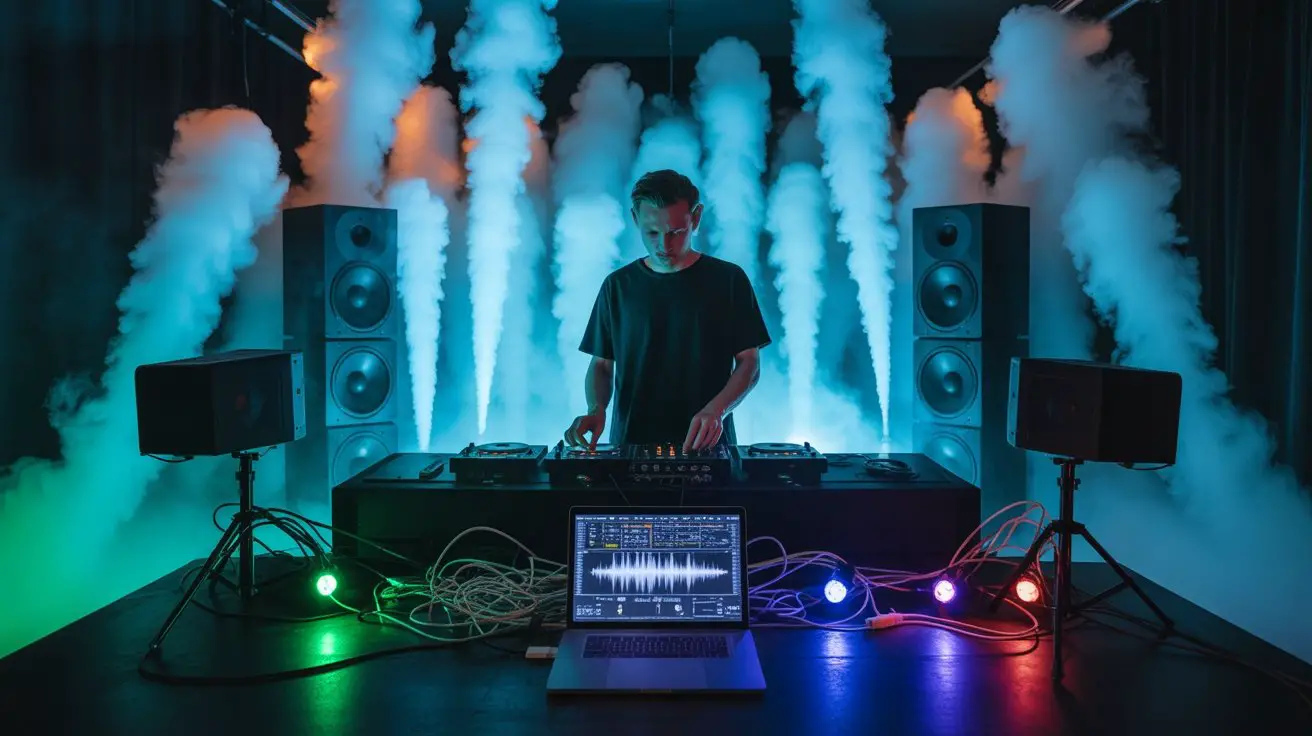
Three core audio-trigger methods let you bypass complex DMX programming while maintaining tight synchronization between your fog output and live audio signals.
Sound-activated controllers respond to specific frequency ranges, triggering fog bursts when bass drops hit predetermined thresholds. You’ll wire your audio feed directly into the trigger unit’s input jack, then fine-tune sensitivity dials to match your mix’s dynamics.
| Trigger Method | Response Time |
|---|---|
| Beat Detection | 10-20ms |
| Frequency Band | 15-30ms |
| Volume Threshold | 5-15ms |
Beat detection algorithms analyze tempo patterns, creating predictable fog sequences that lock onto your track’s BPM. Volume threshold systems offer the fastest response but require constant gain adjustments as your set progresses. Configure your input gains carefully—oversaturated signals cause erratic triggering patterns that’ll destroy your atmospheric timing.
Reading Waveforms and Visual Cues in DJ Software
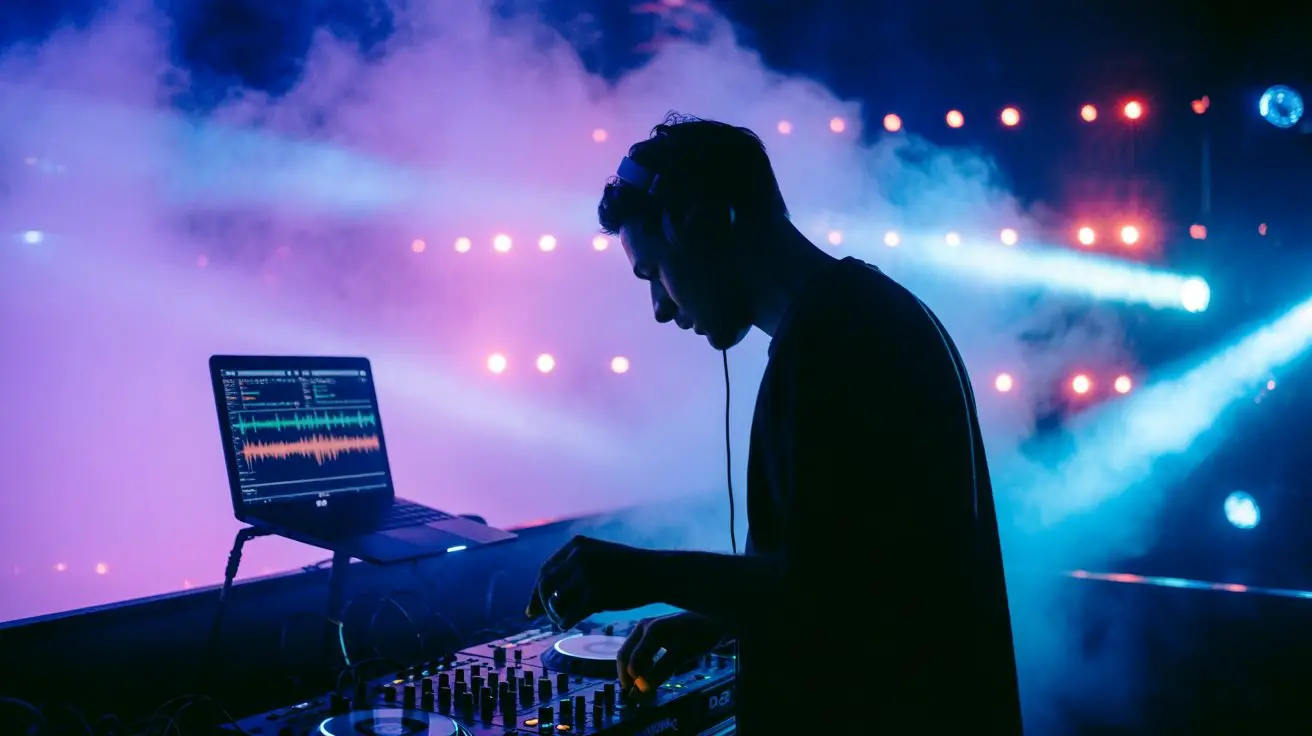
Modern DJ software displays real-time waveform data that’ll transform your fog timing from guesswork into surgical precision.
You’re looking at amplitude spikes, frequency distributions, and beat markers that directly correlate with your fog machine’s ideal trigger points.
Master these waveform elements for flawless synchronization:
- Peak amplitude markers – Target the highest waveform spikes for maximum visual impact during drops and breakdowns
- Low-frequency visualization – Watch for bass drum patterns in the lower spectrum to time sustained fog releases
- Beat grid alignment – Use software’s quantized markers to pre-program fog bursts at exact measure intervals
- Spectrum analyzer integration – Monitor real-time frequency analysis to anticipate build-ups and atmospheric moments
Your software’s visual feedback eliminates timing errors, ensuring every fog burst amplifies the track’s energy precisely when crowds expect maximum atmospheric enhancement.
Programming Fog Sequences for Different Music Genres
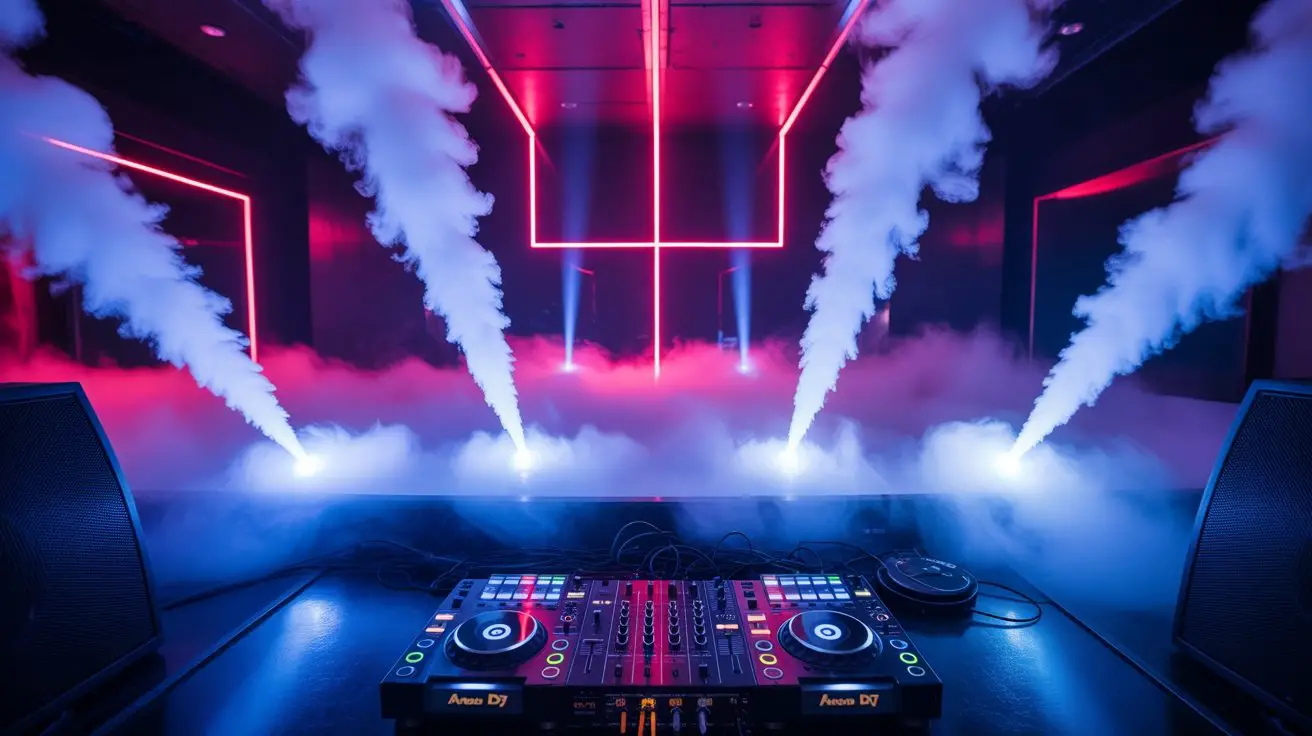
Since each genre carries distinct rhythmic signatures and energy patterns, you’ll need to customize your fog programming to match specific musical DNA. House music demands consistent 4/4 fog bursts synchronized with kick patterns, while dubstep requires dramatic builds followed by explosive drops with maximum output. Trap beats benefit from staccato fog hits matching snare placement and hi-hat rolls. Program your DMX controller’s chase sequences accordingly—set shorter durations for breakbeat’s syncopated rhythms versus longer sustains for ambient electronica. EDM festivals call for strobing fog effects during build-ups, shifting to sustained coverage during drops. Additionally, understanding the functionality of fog machines will help you optimize the timing and volume of your fog bursts for enhanced visual effects. Map your fog machine’s trigger points to match genre-specific BPM ranges and dynamic structures for best visual impact.
Coordinating Fog Effects With Lighting Systems

While fog creates atmospheric depth, it’s the strategic pairing with your lighting rig that transforms basic vapor into dynamic visual architecture. Your DMX controller becomes the conductor, orchestrating fog bursts with strobe hits, laser sweeps, and LED washes to amplify beat drops and build musical tension.
Proper coordination requires precise timing protocols:
- Trigger synchronization – Program fog releases 2-3 beats before peak lighting moments to allow particle distribution.
- Beam enhancement – Position uplights and backlights to slice through fog density, creating volumetric light columns.
- Color temperature matching – Align fog machine heating cycles with warm lighting shifts to maintain consistent haze opacity.
- Chase pattern integration – Layer fog pulses with moving head sequences, using MIDI clock sync for tight beat alignment.
Additionally, fog machines paired with a chiller can create low-lying fog that enhances the visual experience without overwhelming the audience. This symbiotic relationship between atmospheric effects maximizes visual impact.
Troubleshooting Common Synchronization Issues
When your fog bursts lag behind the kick drum or fire prematurely during build-ups, timing discrepancies between your MIDI clock and DMX output chain create jarring visual-audio mismatches that kill dancefloor energy.
| Issue | Cause | Solution |
|---|---|---|
| Delayed fog response | Buffer overflow in DMX controller | Reduce universe count, optimize fixture addressing |
| Erratic timing sync | Clock drift between MIDI/DMX interfaces | Enable external sync, match sample rates |
| Premature fog triggers | Aggressive beat detection threshold | Adjust sensitivity settings, filter noise frequencies |
| Inconsistent output volume | Fluid temperature variations | Maintain 65-75°F fluid temp, use thermal monitoring |
| Signal dropouts | Cable impedance mismatch | Use proper 120-ohm DMX cable, terminate chain |
Monitor your system’s latency compensation settings and verify that your DAW’s audio buffer matches your lighting software’s processing delay for tight synchronization.
Advanced Techniques for Professional Performances
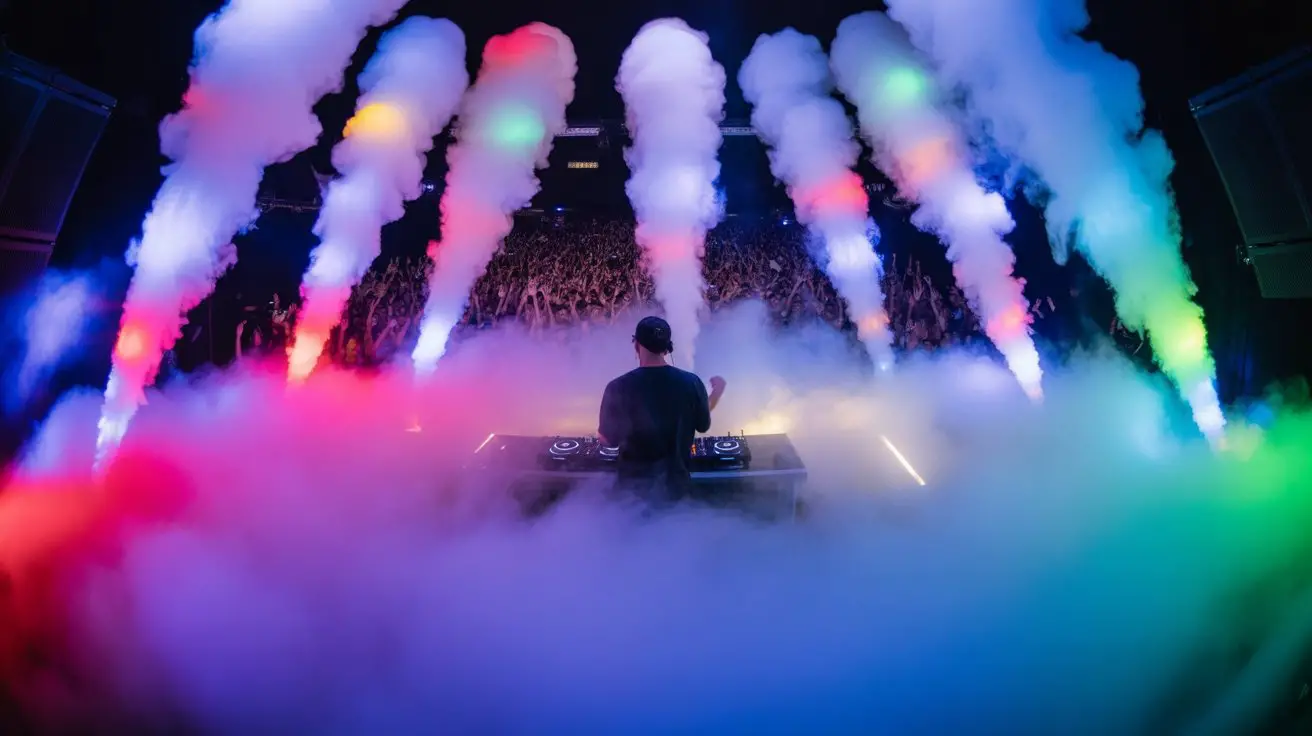
Although basic beat-sync gets your fog machines firing on cue, professional performances demand sophisticated layering techniques that transform atmospheric effects into storytelling elements.
You’ll need to master multi-unit choreography using DMX controllers with advanced automation protocols. Program fog density variations that mirror track dynamics—light wisps during breakdowns, dense bursts on drops. Time your hazer output to complement your fog machines, creating depth layers that enhance lighting penetration.
Advanced synchronization techniques include:
- Beat subdivision mapping – Trigger fog on sixteenth notes during build-ups, quarter notes on drops
- Velocity-sensitive output – Link fog intensity to MIDI velocity data from your controller
- Cross-fader integration – Automate fog shifts between decks using your mixer’s crossfader position
- BPM ramping – Gradually increase fog frequency during tempo changes and pitch rides
Master these techniques to elevate your atmospheric game beyond basic beat-matching.
Frequently Asked Questions
What’s the Ideal Fog Fluid Viscosity for Different Venue Sizes?
You’ll want a light or quick-dissipating fluid for smaller venues to prevent oversaturation, while larger spaces benefit from high-density or long-lasting formulations for extended hang-time across expansive dancefloors.
How Often Should Fog Machine Nozzles Be Cleaned for Optimal Performance?
Clean your fog machine’s nozzles consistently after every four-hour session. You’ll prevent particulate buildup that compromises output density, maintains proper spray patterns, and guarantees your haze effects stay synchronized with beat drops and shifts.
What Safety Precautions Are Needed When Operating Fog Machines Indoors?
You’ll need proper ventilation systems, fire safety clearances, and audience exit visibility. Monitor fluid levels, check electrical connections, and maintain safe distances from heat sources. Don’t obstruct emergency lighting or sprinkler systems during operation.
How Much Does Professional Beat-Sync Fog Equipment Typically Cost?
Ready to drop serious cash on beat-sync fog gear? You’ll shell out $800-$3,000 for DMX-controlled hazers with BPM detection, MIDI interfaces, and real-time audio analysis capabilities that’ll lock your atmospheric effects to every kick and snare.
Can Fog Machines Damage Sensitive Audio Equipment if Placed Too Close?
You’ll risk moisture damage to speakers, mixers, and controllers if you position fog machines within three feet. The glycol-based fluid creates condensation that’ll short circuits and corrode sensitive electronic components, especially CDJs and audio interfaces.
Conclusion
You’ll master magnificent, meticulously-matched fog effects by blending beat-detection brilliance with DMX-driven precision. Configure your controller’s sensitivity settings while calibrating timing triggers to capture every climactic crescendo. Fine-tune your fluid temperatures and optimize your output sequences for seamless synchronization success. Remember, real-time responsiveness requires rigorous rehearsal—practice programming your parameters until your fog flows follow every frequency flawlessly. Your audience will appreciate the atmospheric artistry when beats and bursts become beautifully balanced.