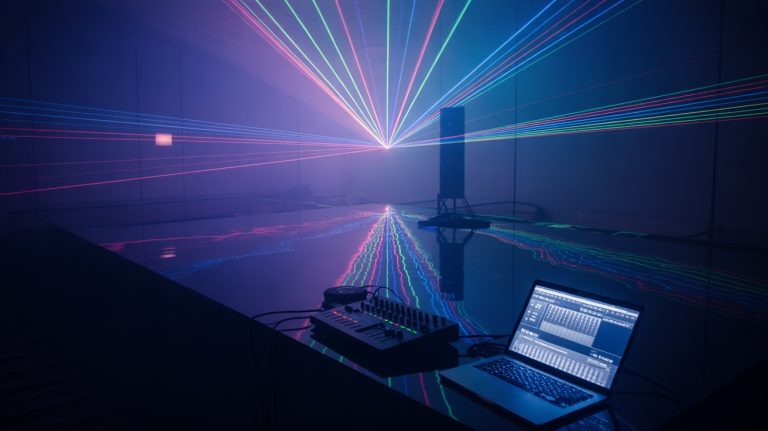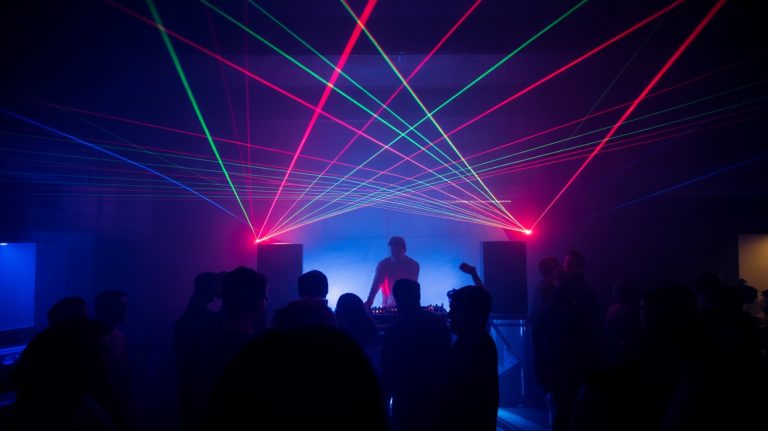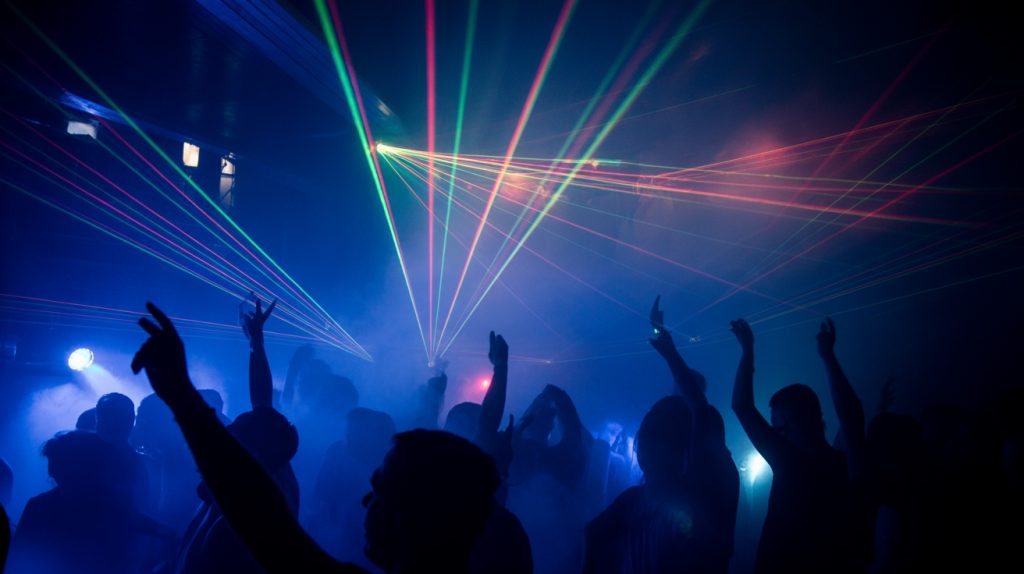
You’ve likely noticed how professional DJs create those stunning beam effects that cut through crowded venues—it’s not just the lasers doing the work. The secret lies in precise fog machine integration, where particle density, beam angles, and timing windows must align perfectly. Without proper synchronization between your haze output and laser programming, you’re fundamentally firing invisible light into empty air. Master these technical fundamentals, and you’ll understand why some performances captivate audiences while others fall flat.
Essential Equipment and Technical Specifications
Brighter lasers show up better in fog, but power brings rules. In the US, any show laser over 5mW (Class 3B or 4) needs an FDA variance, so hobby DJs should stick with consumer party lasers of 5mW or less and leave watt-class projectors to licensed laser show companies.
You’ll need ILDA-compatible projectors for professional-grade pattern control and DMX512 connectivity for seamless integration with your lighting console.
Your fog machine’s output rate determines beam definition—water-based hazers at 1000-3000 CFM create ideal particle density without overwhelming visibility.
Oil-based units produce longer-hanging effects but require proper ventilation compliance. Fog machines often come with remote controls for fog generation and duration, enhancing their usability during DJ performances.
Essential specs include: laser wavelength selection (445nm blue, 532nm green, 635nm red), scanning speed ratings above 30kpps for smooth animations, and safety features including CDRH Class compliance, emergency stops, and key switches.
Professional installations demand variance permits and crowd-scanning restrictions per FDA regulations.
Proper Setup and Positioning Techniques
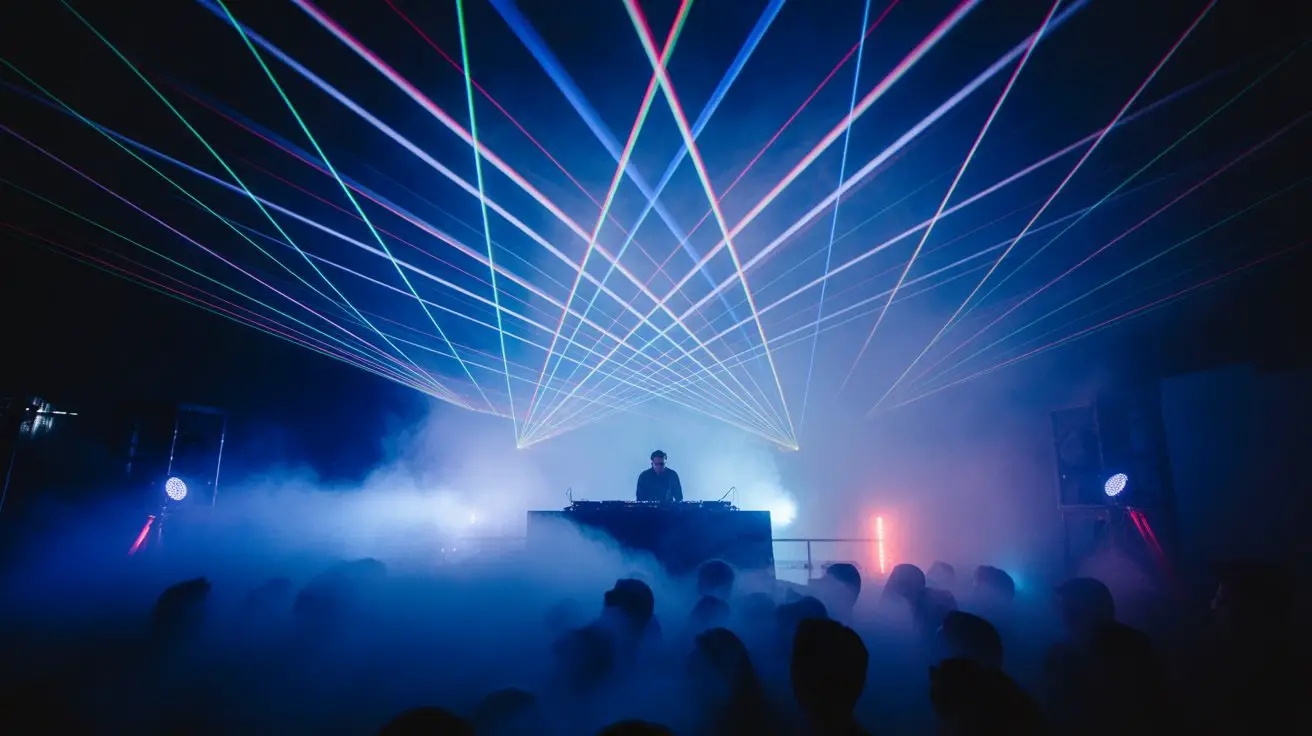
Ideal laser placement keeps every beam at least 10 feet (3 meters) above the floor where your audience stands, the standard separation in U.S. laser-show variances, so beams never reach eye level. Mount units at opposing angles to create intersecting patterns that’ll enhance fog interaction.
Position fog machines at floor level, directing output upward through laser paths. You’ll want hazer units placed strategically around the perimeter for consistent atmospheric density. Maintain 6-8 feet minimum distance between fog sources and laser projectors to prevent condensation buildup on optical components.
| Position Type | Beam Height | Coverage Angle |
|---|---|---|
| Main Projector | 10 ft (3 m)+ above the audience | 45-60 degrees |
| Side Units | 10 ft (3 m)+ above the audience | 30-45 degrees |
| Stage-Front Units | Aimed up, 10 ft (3 m)+ above the audience | 60-90 degrees |
| Hazers | Floor level | 360 degrees |
| Fog Machines | Floor level | Directional |
Synchronization Methods for Music and Visual Effects
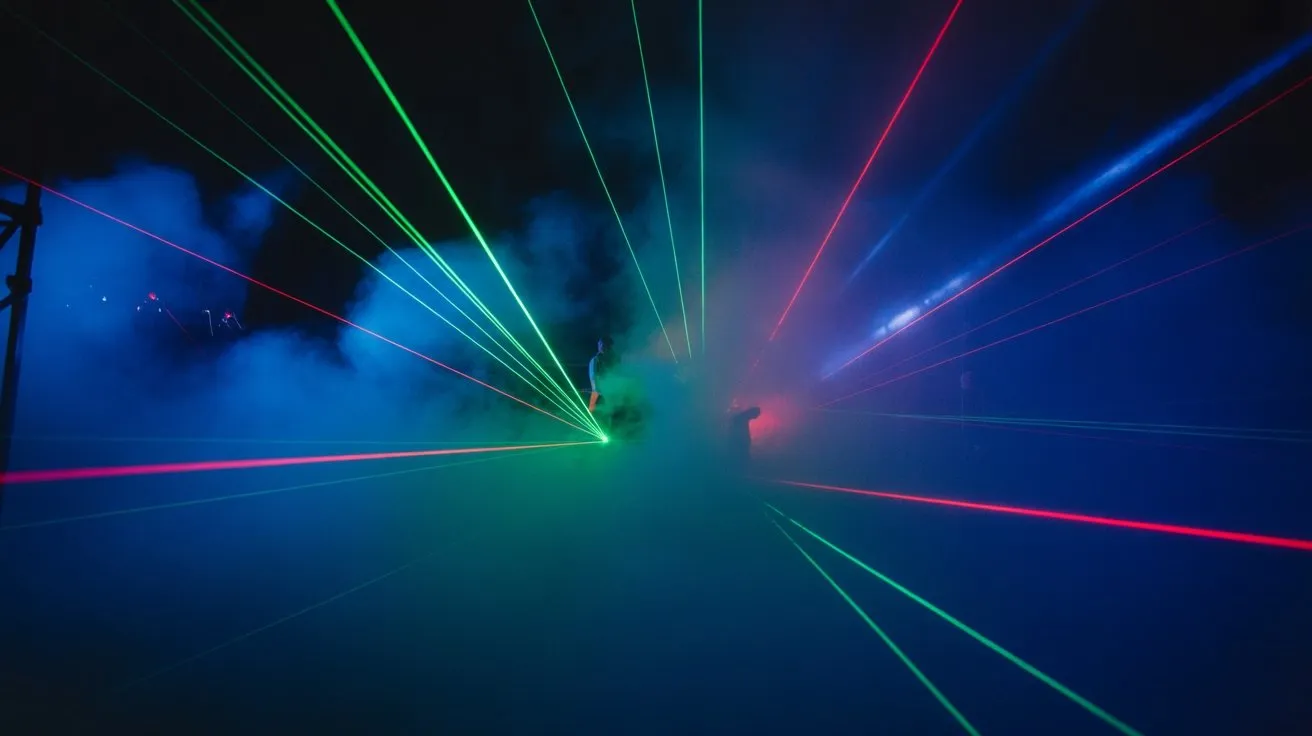
Since modern DJ software integrates seamlessly with lighting control protocols, you’ll achieve the most precise synchronization using DMX controllers connected to your digital audio workstation.
Configure your laser fixtures and fog machines on separate DMX channels for independent control over intensity, patterns, and timing. Set your laser’s audio-reactive mode to respond to specific frequency ranges—typically low-end frequencies (60-250Hz) for dramatic beam movements during bass drops.
Program fog bursts 2-3 seconds before peak moments to guarantee ideal beam visibility. Use MIDI mapping to trigger preset lighting scenes directly from your controller’s performance pads.
For seamless shifts, establish fade times between 500-1000 milliseconds. Advanced setups benefit from timecode synchronization, allowing pre-programmed light shows that match your track’s BPM and structure precisely.
Safety Protocols and Venue Considerations
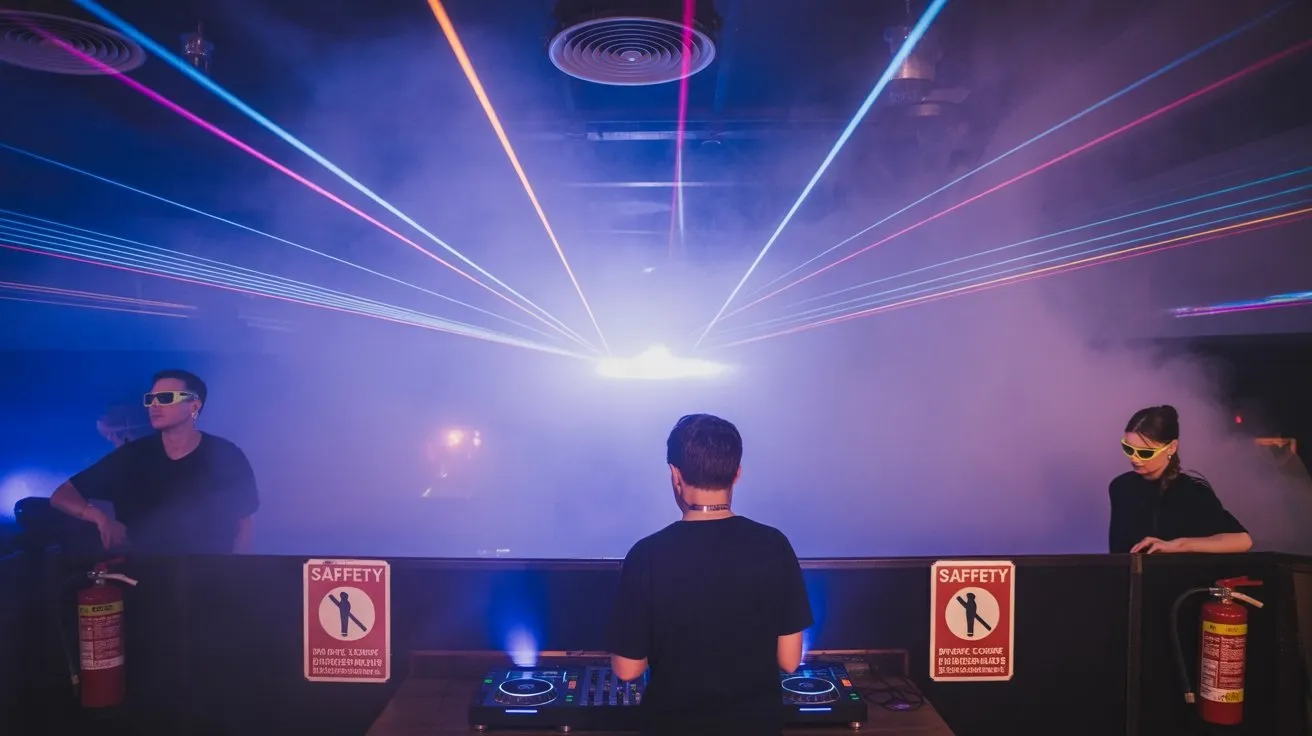
Before deploying laser and fog systems in any venue, you must conduct a thorough risk assessment that addresses both equipment specifications and environmental factors.
Check ceiling height clearances for fog distribution patterns and laser projection angles. Verify HVAC systems won’t interfere with fog density or create hazardous accumulation zones.
Ensure laser classifications comply with local regulations—Class 3B and 4 lasers require trained operators and safety interlocks.
Install emergency stops within reach and maintain clear egress paths despite reduced visibility from fog effects. Position equipment away from high-traffic areas to prevent accidental contact with hot fog machines or laser apertures.
Coordinate with venue management regarding fire suppression systems, as dense fog can trigger smoke detectors.
Document all safety measures and obtain necessary permits before your performance.
Fog Density Control and Timing Strategies
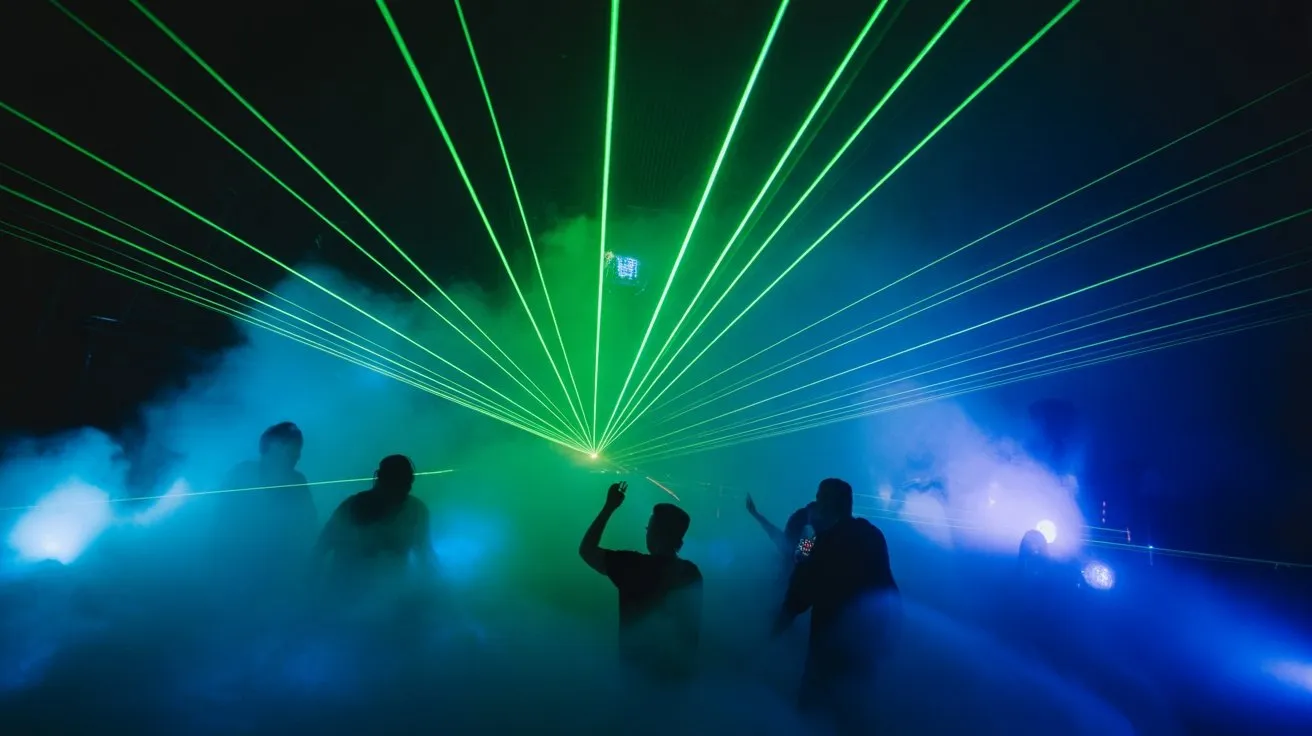
When you’re controlling fog output during a performance, timing your machine’s duty cycles becomes essential for maintaining consistent atmospheric density without overwhelming the venue or obscuring sightlines. You’ll need to establish baseline intervals that account for your venue’s air circulation patterns and HVAC systems. Additionally, understanding the different types of fog machines and their fog density variations can help optimize the visual effects during your performance.
| Fog Density Level | Duty Cycle Timing | Laser Beam Visibility |
|---|---|---|
| Light Haze | 3-5 sec burst/2 min | Subtle beam definition |
| Medium Density | 8-10 sec burst/90 sec | Pronounced beam paths |
| Heavy Atmosphere | 15 sec burst/60 sec | Maximum laser saturation |
Monitor your fog machine’s heat-up cycles and fluid consumption rates. Pre-program your controller with staggered intervals that complement your set’s energy peaks. You’ll achieve ideal laser beam definition by synchronizing fog bursts thirty seconds before high-impact moments, allowing particles to distribute evenly throughout your performance space.
Creative Programming and Effect Combinations
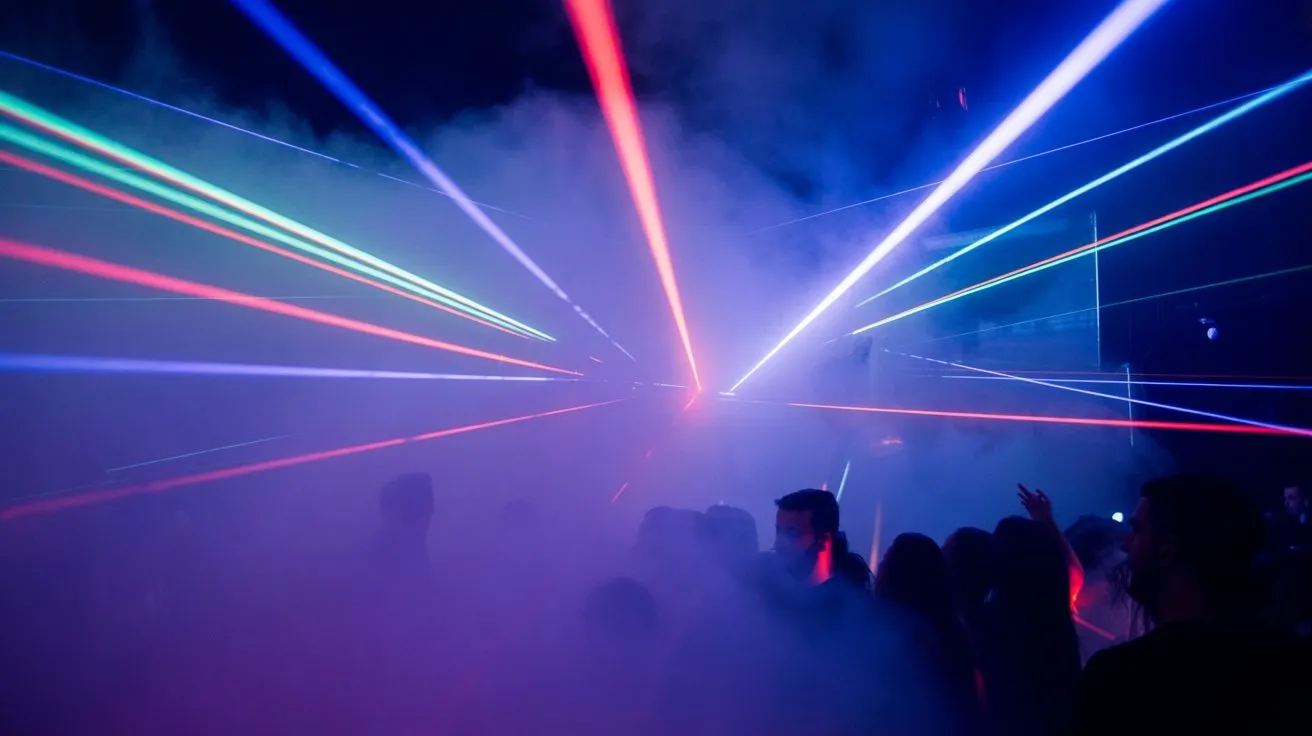
Your fog density foundation sets the stage for layering sophisticated programming techniques that maximize visual impact through strategic effect combinations.
Program laser chasers during breakdown sections, synchronizing beam sweeps with kick patterns while maintaining medium fog density. Stack rotating gobos with static beam arrays, creating depth perception through overlapping projection planes.
Time strobe sequences during drops, cutting fog bursts to quarter-note intervals for maximum beam definition. Layer multiple laser zones using DMX addressing, triggering upper-level effects while maintaining floor-level coverage.
Combine color temperature shifts with fog density changes—cooler blues penetrate lighter haze while warmer reds require denser coverage. Program automated sequences using MIDI triggers from your DJ software, ensuring seamless shifts between ambient washes and high-energy beam shows without manual intervention. Additionally, DMX512 control systems enable professional-level precision for coordinating fog jets with lighting setups, enhancing your overall performance.
Troubleshooting Common Performance Issues
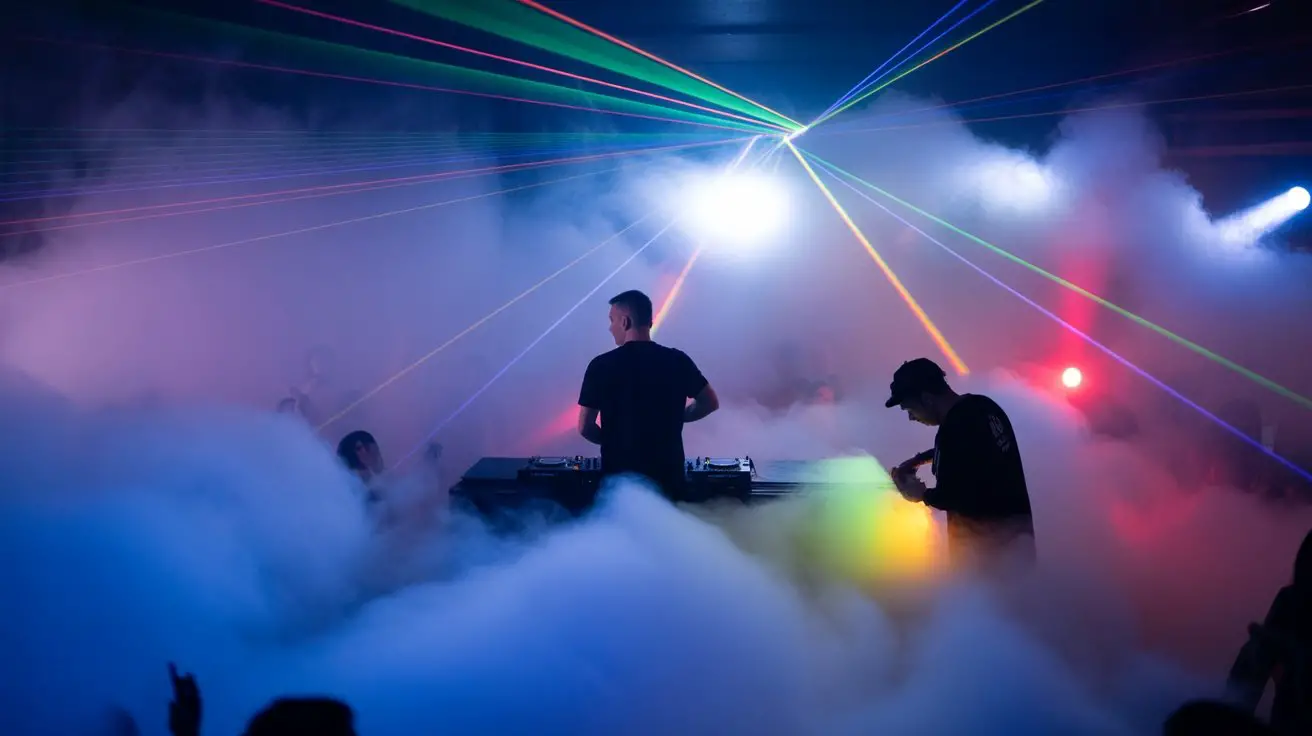
Although meticulous preparation forms the backbone of professional DJ performances, equipment failures and environmental factors can disrupt even the most carefully programmed laser and fog combinations.
You’ll encounter predictable issues that require immediate troubleshooting skills to maintain show quality.
- Fog density inconsistency – Monitor your hazer’s fluid levels and output settings continuously. Atmospheric conditions affect fog dispersion, requiring real-time DMX adjustments to maintain ideal beam visibility.
- Laser safety shutdowns – Check interlock connections and scanner galvanometer calibration. Overheating protection circuits activate when ambient temperatures exceed operational parameters.
- DMX signal dropouts – Verify termination resistors on your control chain. Electromagnetic interference from nearby equipment can corrupt data transmission.
- Timing synchronization drift – Recalibrate your master clock source. MIDI timing inconsistencies compound during extended sets, creating noticeable lag between audio and visual elements. It’s also crucial to consider that prolonged exposure to fog can lead to respiratory issues, especially in sensitive individuals.
Frequently Asked Questions
How Much Do Professional Laser and Fog Machine Setups Typically Cost?
You’ll spend $800-2,500 for entry-level professional RGB laser projectors with ILDA control, plus $200-600 for haze machines with fluid. High-end setups with multiple beam arrays and low-lying fog generators reach $5,000-15,000 total.
Do I Need Special Insurance or Permits for Laser Light Shows?
You’ll need to navigate some regulatory hoops for laser shows. Class 3B and 4 lasers require FDA variance permits, liability insurance coverage, and local venue permits. Lower-power Class 3A units typically need minimal documentation compliance.
Can Fog Machines Damage Venue Carpets or Electronic Equipment Nearby?
Fog machines can leave oily residue on carpets and electronics if you’re using oil-based fluids. Water-based fog fluids won’t damage surfaces, but condensation might affect sensitive gear nearby.
What’s the Best Way to Transport Laser Equipment Safely Between Gigs?
Your laser’s delicate optics are absolutely precious cargo! Always use padded flight cases with custom foam inserts. Secure diode housings, remove batteries, and pack cables separately. Never stack heavy gear on top—you’ll destroy those critical alignment mechanisms instantly.
How Do I Clean Fog Residue From Lasers After Performances?
You’ll need isopropyl alcohol and lint-free cloths to remove glycol-based fog residue from laser housings and lenses. Power down units first, then gently wipe surfaces using circular motions to prevent optical damage.
Conclusion
You’ll find that mastering laser-fog integration transforms your sets like a conductor orchestrating a symphony of light. Monitor your hazer output consistently, verify your DMX signal integrity, and trust your cue timing. Don’t forget to check venue ceiling height and maintain proper beam divergence angles. When you’ve synchronized your ILDA protocols with your BPM triggers effectively, you’re creating an immersive environment that’ll keep crowds locked in. Perfect your craft through consistent practice and equipment familiarity.